
Activepieces is an all-in-one AI automation system designed to be extensible through a type-safe pieces framework written in TypeScript. With the new Couchbase connector, Activepieces workflows now can operate on data stored in Couchbase clusters, including clusters hosted on Couchbase Capella.
In this blog post, we will review the steps required to configure an Activepieces instance to connect to a Couchbase cluster and query it for data using SQL++.
Couchbase Actions
The Couchbase integration provides Activepieces users with a set of actions that allow it to manipulate data on a cluster:
- Insert Document
- Upsert Document
- Get Document
- Delete Document
- Execute SQL++ Query
All actions can be configured in the Activepieces process Builder user interface and are provided with built-in documentation on all required and optional action parameters. All actions support both static and dynamic values as their arguments.
Executing SQL++ Query from Activepieces
You can use the free public testing instance provided by Activepieces by clicking the “Try it” link on the Couchbase piece documentation page (https://www.activepieces.com/pieces/couchbase):

To execute a SQL++ query, first create an Activepieces flow and open it for editing in the Builder:
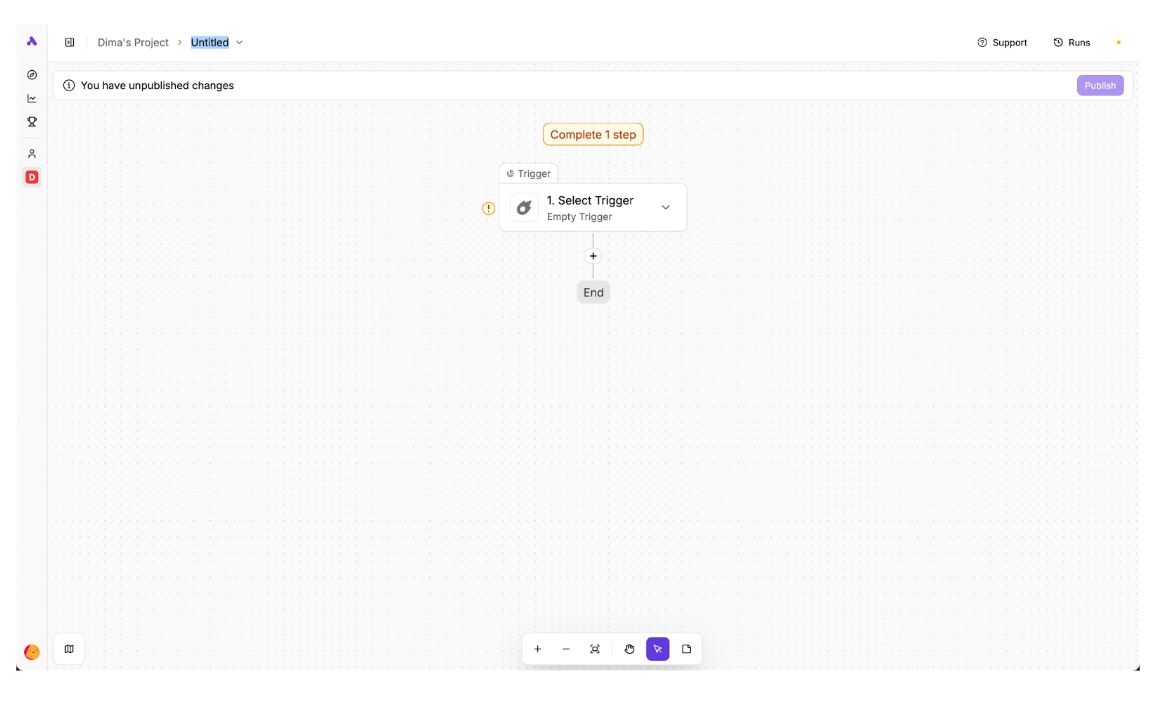
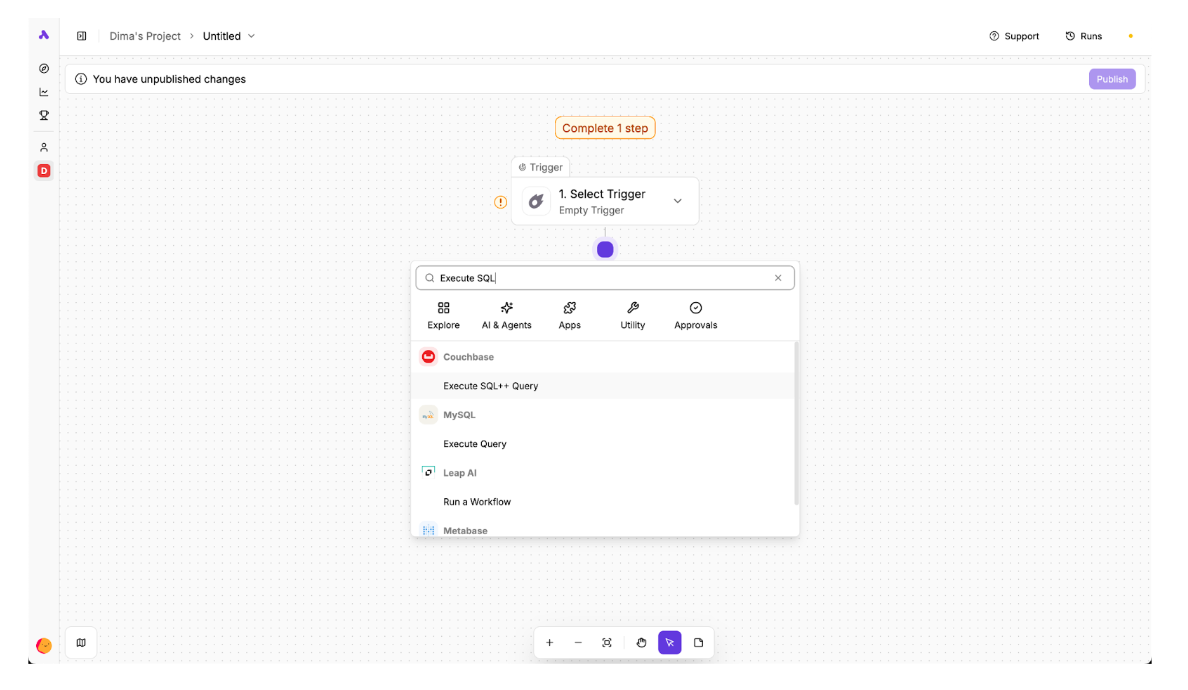
Click on the plus sign between the flow trigger and the end, search for the Couchbase’s “Execute SQL++ Query” action, and add it into the flow:
Configuring Couchbase Connection
The first thing to configure in this action is the Couchbase connection that we want to use in it:
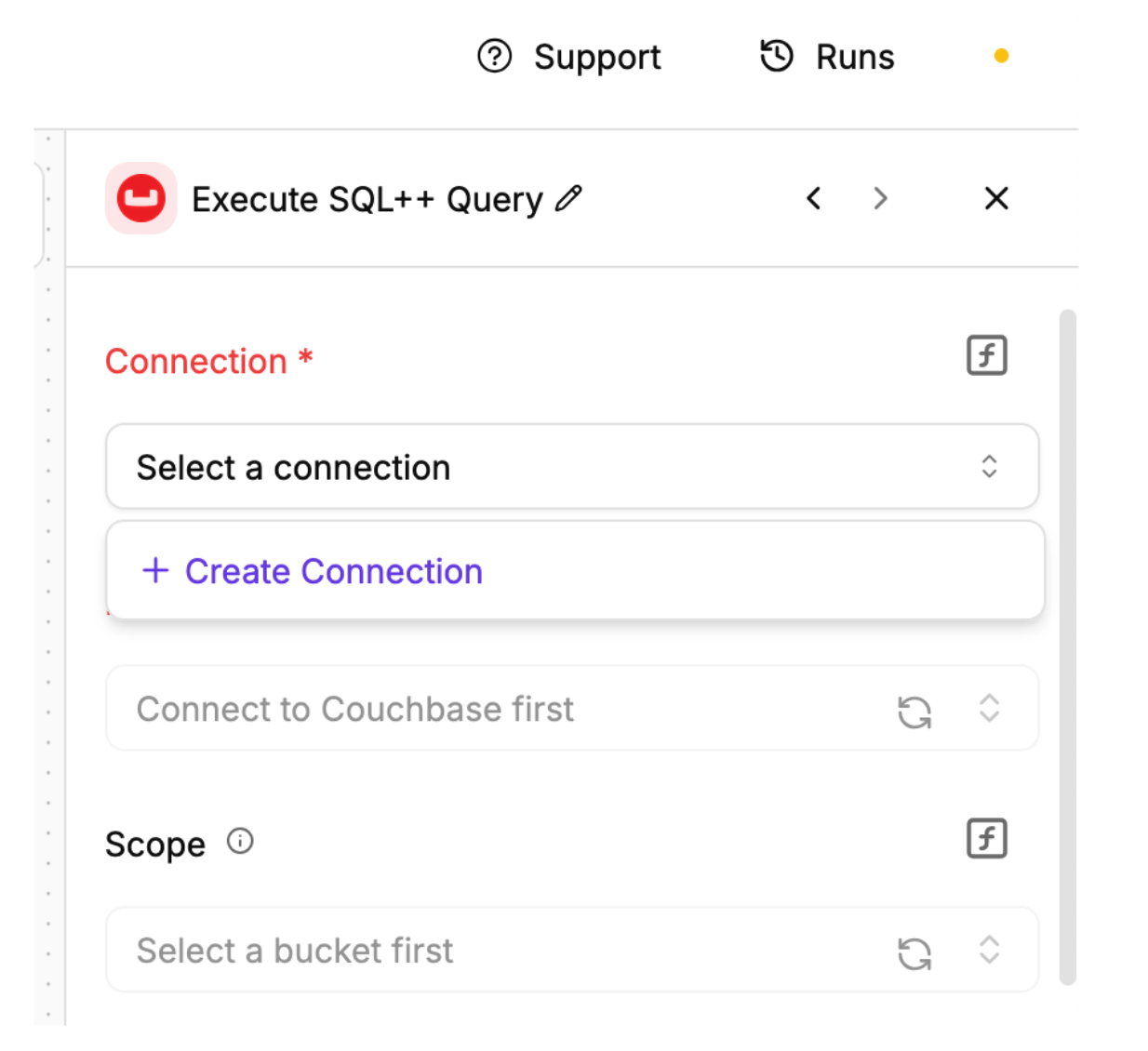
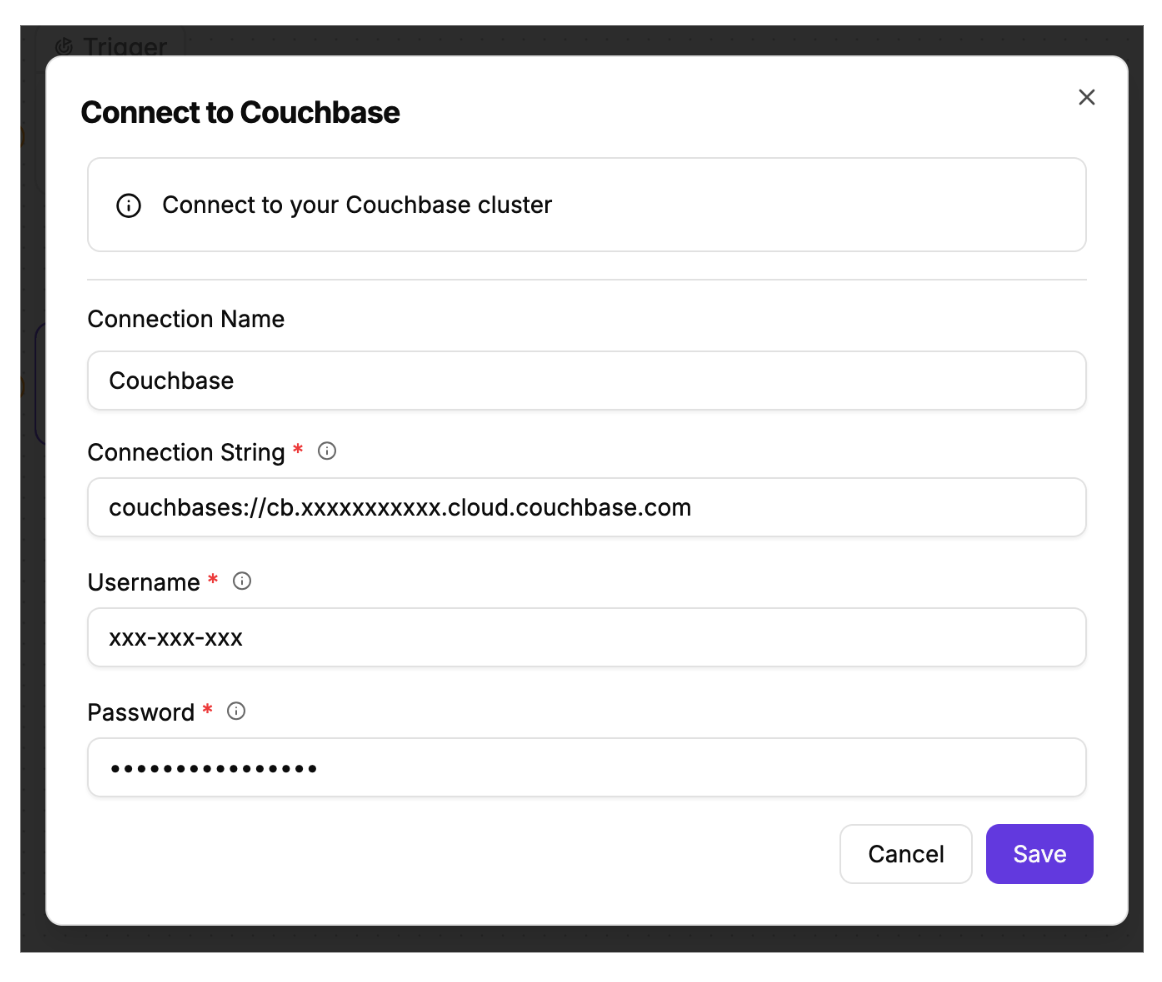
If we had previously configured Couchbase connections, we would’ve been able to select them here. Because that’s not the case, the only option is to create a new connection and provide Activepieces with credentials to a Couchbase cluster (for example, to a free tier Capella cluster):
Configuring SQL++ Query Action
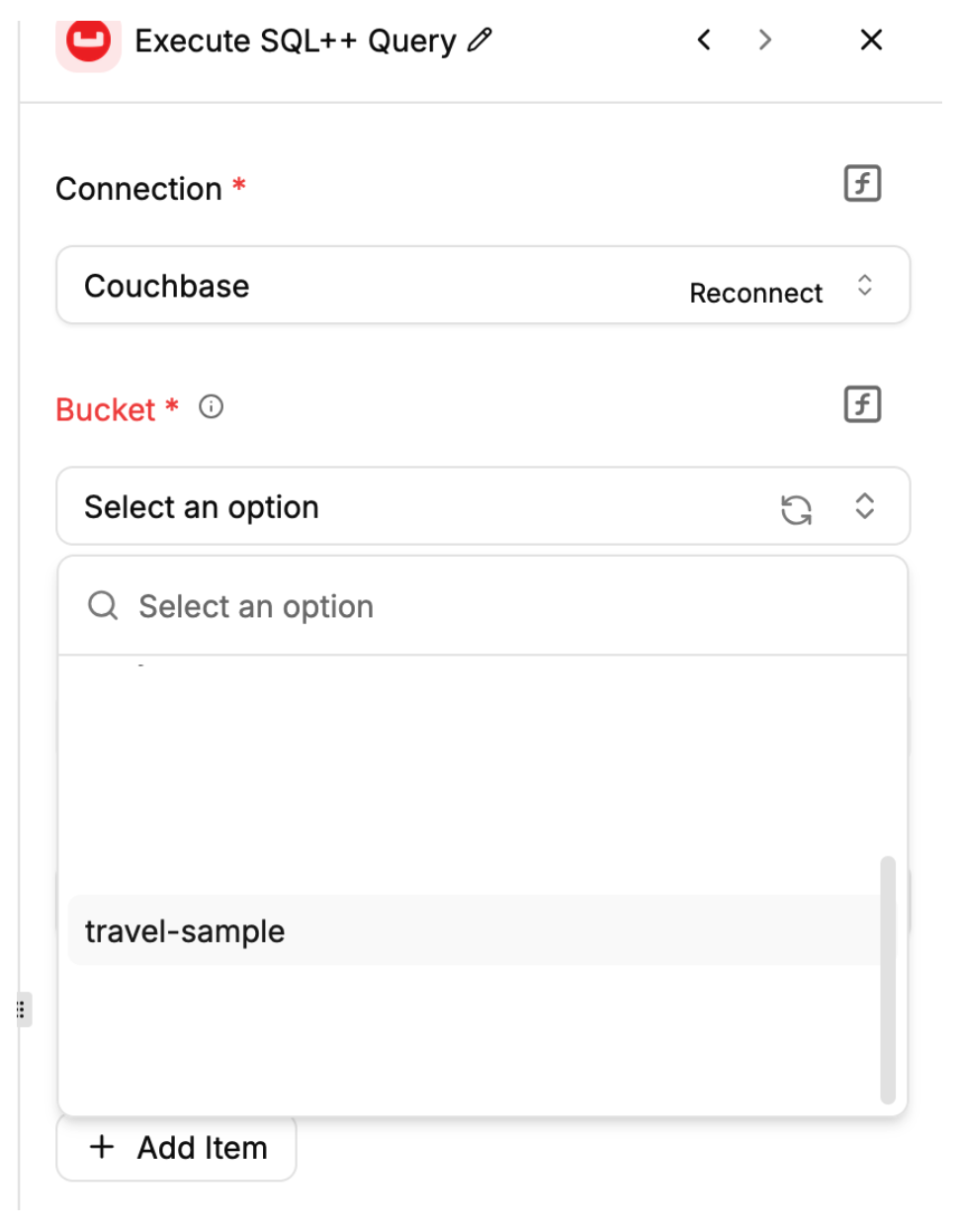
After clicking “Save,” we can use the Bucket select drop-down to choose a bucket from the cluster. Let’s select the travel-sample bucket:
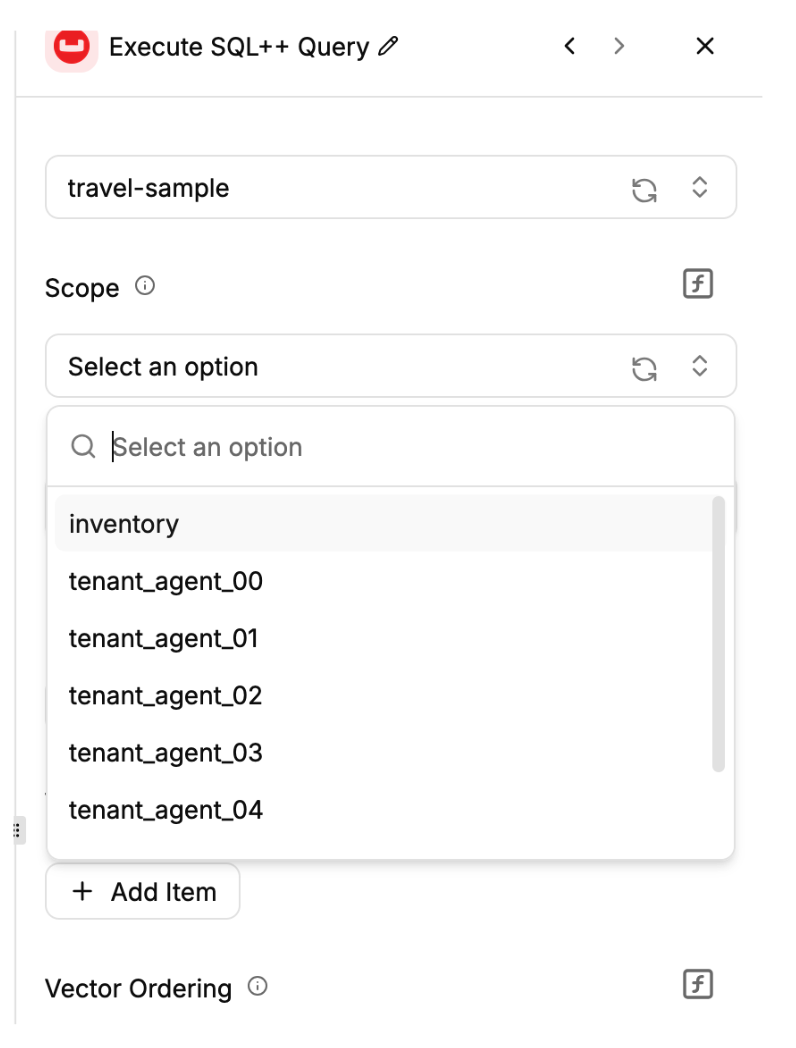
Selecting the bucket enables the Scope selector drop-down. Let’s select the inventory scope:
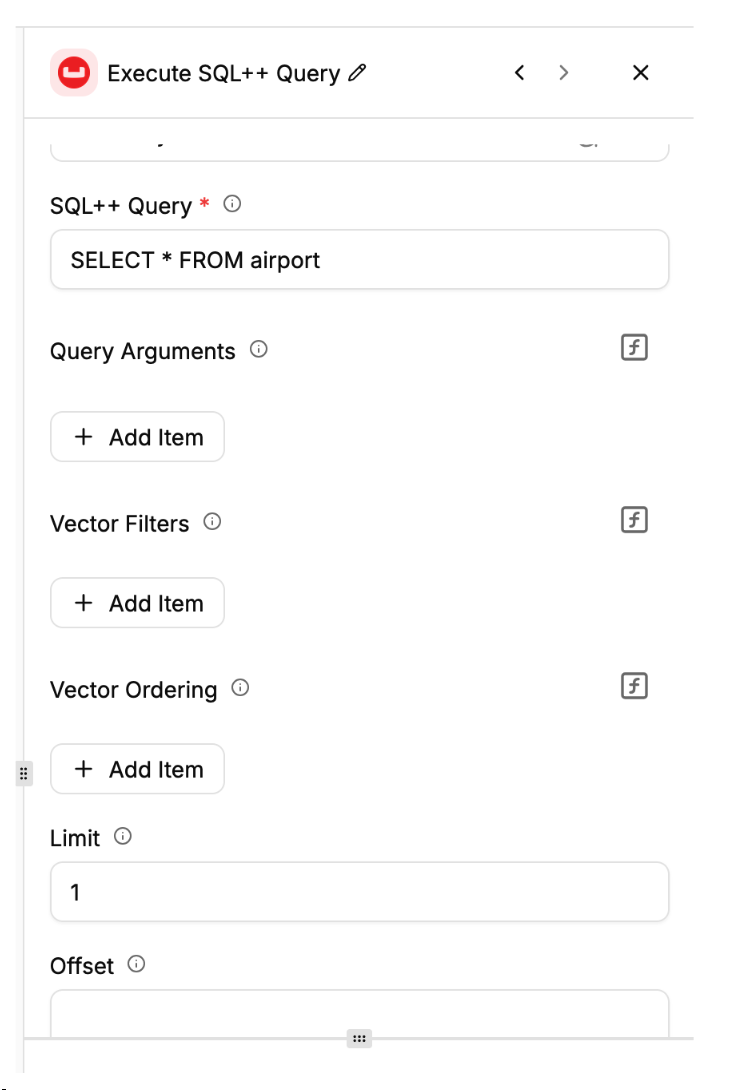
After selecting the scope that we want to perform the query, we can now enter the query itself. For demonstration purposes, let’s perform a simple select of a single airport from the airports collection:
Note that the action also supports queries with positional arguments that can be added under the query text input field. The action supports both static and dynamic argument values, with dynamic values being evaluated before the query is sent to the cluster.
The action also provides convenient inputs for performing vector search and ordering operations, which are not required by our simple query but can be useful in AI workloads:
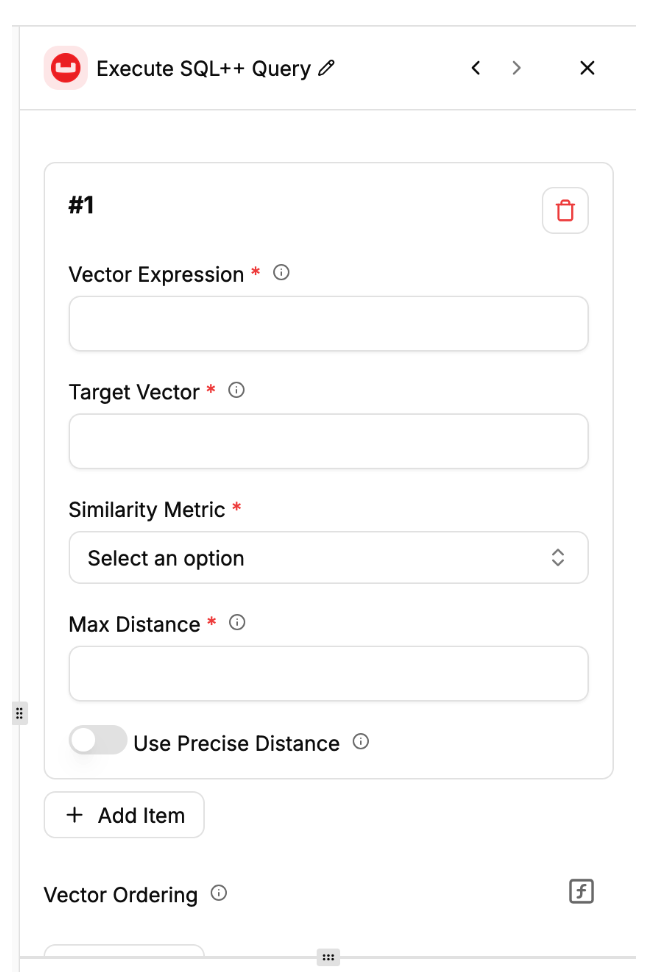
The vector search features are also well-documented in the configuration UI.
After configuring all parameters for the action, we can test it by clicking the “Test Step” button under the Generate Sample Data section:
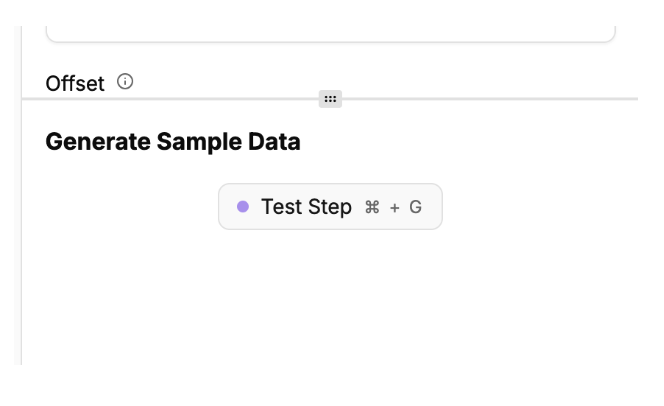
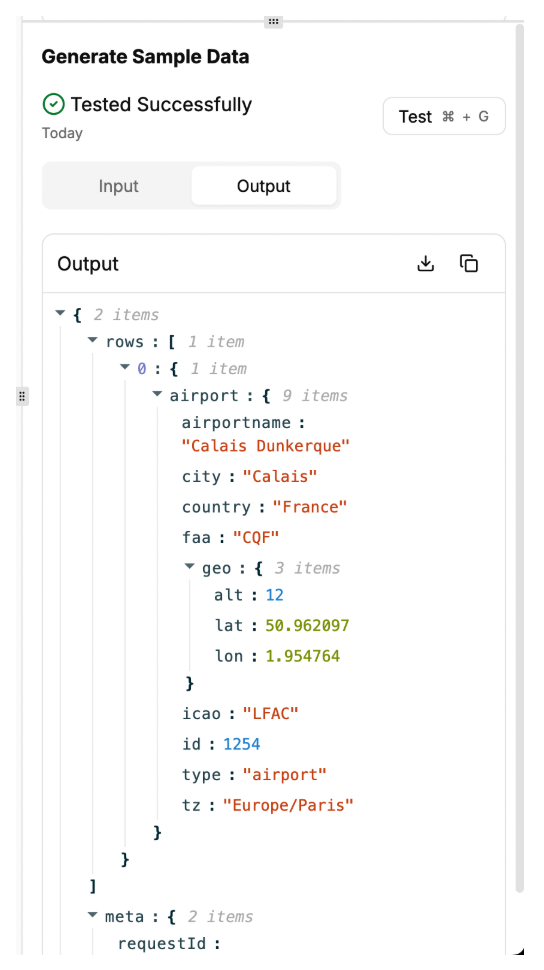
If everything goes well, clicking on that button should result in a successful test and you should see the JSON data that the action fetched from the cluster:
Documentation and Support
The Couchbase integration is a community-developed project that is released as a part of Activepieces and hosted in the Activepieces GitHub repository: https://github.com/activepieces/activepieces
Please provide your feedback, suggestions, or questions about the integration via the Activepieces GitHub Issues page.


