
New Release

Couchbase Lite is a developer-friendly embedded NoSQL database for offline-first apps that run on mobile, desktop, custom devices, and even web browsers. Unlike similar solutions, it supports SQL and vector search, and provides built-in peer-to-peer and cloud-to-edge data sync.

Eliminates latency by embedding data processing directly into your apps.

Stores data locally to reduce dependency on the internet.

Enables vector search on-device for semantic search and RAG with no internet dependencies.

Supports all major mobile platforms, custom embedded devices, and web browsers.
Develop AI-powered apps that work all the time by embedding the database directly in the device or web browser. Provide a lightning-fast experience while eliminating dependencies on an unreliable internet. Take advantage of a rich feature set and wide platform and language support.

Working with familiar SQL, developers can reduce complexity by reusing queries across platforms and the cloud.

Built-in vector search makes it easy to add semantic search features to power Gen AI edge apps.

Synchronize data directly between Couchbase Lite devices using peer-to-peer sync with or without the internet.

Embed the database to web apps to eliminate internet dependencies and sync with other Couchbase Lite clients.

Data is secured on the device using 256-bit AES full database encryption.

Call ML models within your apps to enable real-time AI that analyzes data at the point of interaction.

Scopes and collections make queries easier, security more granular, and data sync more efficient.
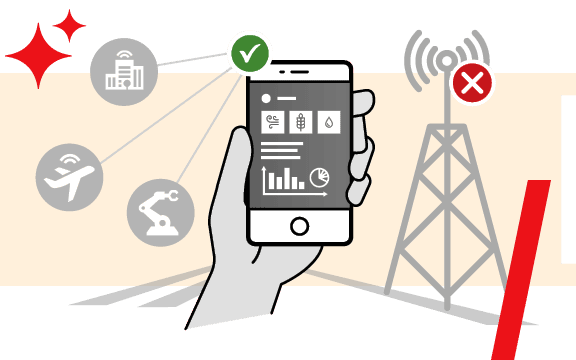
Embedding Couchbase Lite ensures that data is always available regardless of network connections. Data is stored locally and automatically synced with the cloud and peer devices when connectivity is available.
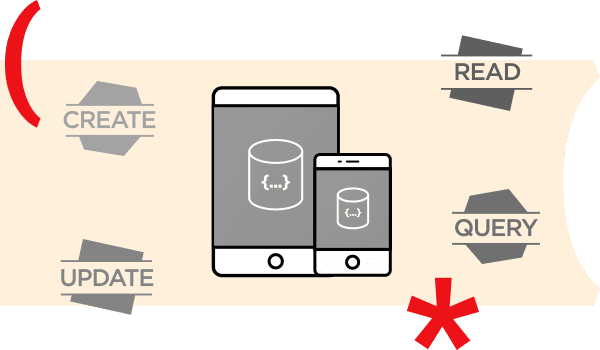
Develop GenAI apps for any device and platform faster with SQL and simple-to-use APIs for database CRUD, vector search, full-text search, and query operations.
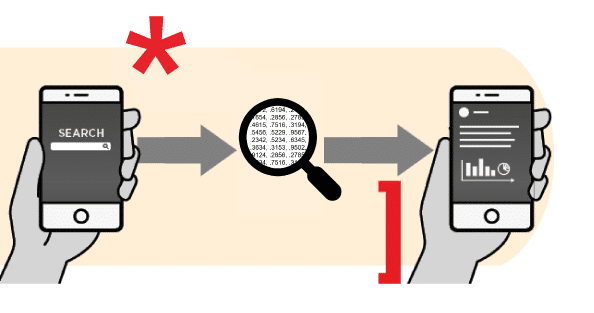
Couchbase Lite supports vector search on-device and plugs right into your AI ecosystem, call local or remote ML and LLM models.
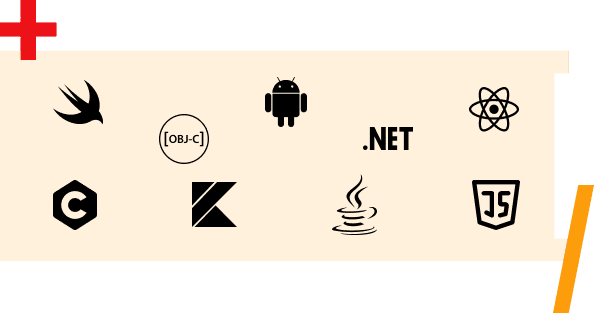
Support for iOS, Android, and Windows. Develop desktop and web server apps with .NET and Java libraries. C-API support for apps that run on any platform and any language. JavaScript support for offline web apps.


“We penetrate more than 95% of households with our products, so we need to have a robust supply chain as well as a good frontline sales application.”


“To set up a resilient implementation of Couchbase, it took us minutes. We stood up three servers, lit ’em up, balanced the load, and instantly were resilient.”


“Our digital showroom concept completely reimagines the traditional buying approach and establishes a new fashion industry benchmark for sales.”


“Couchbase offered an end-to-end cloud-ready solution that enabled us to launch quickly and put the service into production by the deadline.”




Check out our developer portal to explore NoSQL, browse resources, and get started with tutorials.

Get hands-on with Couchbase in just a few clicks. Capella DBaaS is the easiest and fastest way to get started.

Want to learn more about Couchbase offerings? Let us help