Accelerate Innovation With Couchbase
Couchbase’s operational data platform for AI eliminates fragmented tech stacks, so teams can stay innovative and agile, with less risk and lower cost of ownership. With enterprise partnership and scalable, AI-ready technology, Couchbase turns your data into the foundation for your next breakthrough.
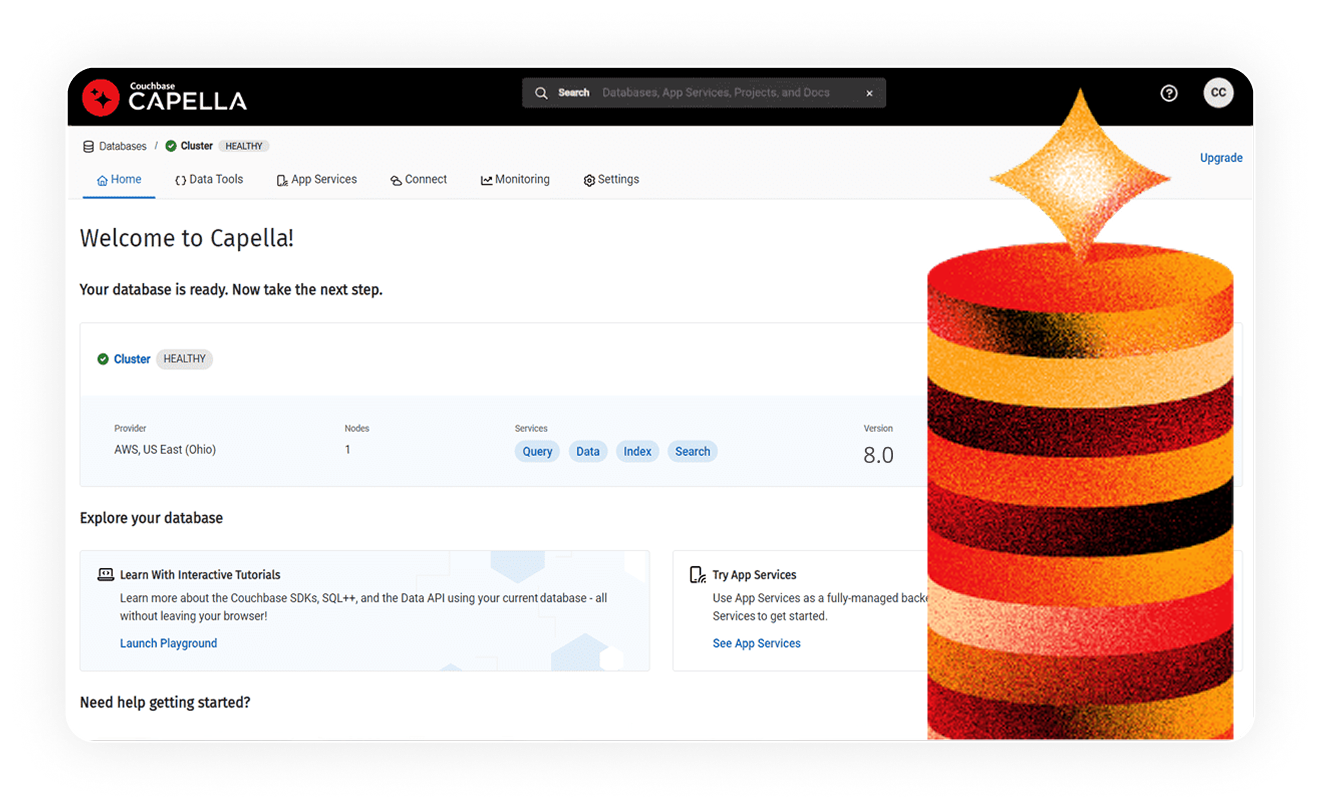



Different since day 1
We started with a belief that a database should empower variety, agility, performance, scale, and innovation. That’s why we’re poised to be the leader in AI. Couchbase’s operational data platform for AI is a scalable foundation for enterprise operational, analytical, mobile, and AI workloads that replaces legacy infrastructure and data services.
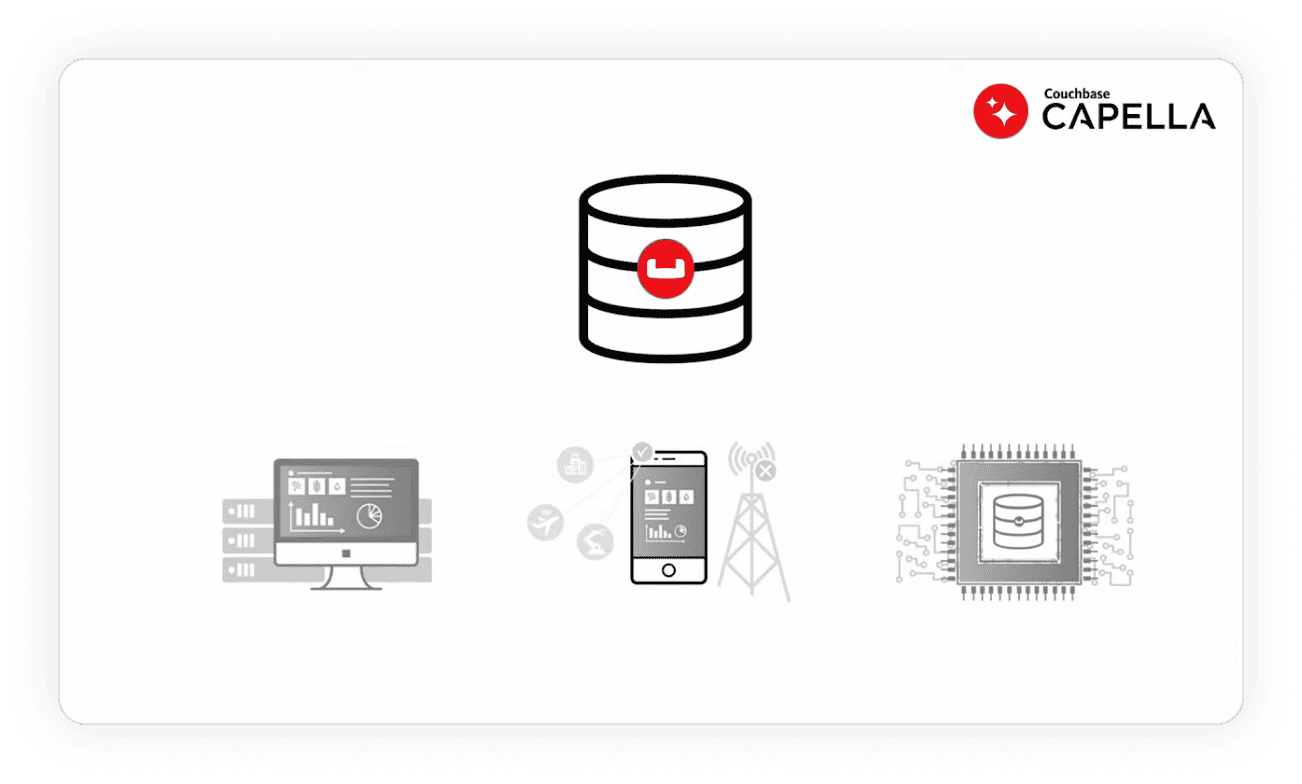
Built for your challenges
Building a roadmap for AI is a major endeavor, one that comes with risks and costs without proper planning. Here’s how we help you stay ahead:
Maintain users. Boost revenue.
Users abandon slow experiences. Reduce churn by providing an experience that never stops.
Accelerate innovation
Keep your teams ready to respond to new market changes and customer expectations.
Offer real-time data
Provide a shared source of truth that is accurate in real time.
Keep costs at bay
AI needs more systems and more people. Plan for more complexity and higher TCO.
We make it easy to get started
Try Couchbase today. Our high-touch service and passion for your success means you’ll get a hands-on, personalized onboarding experience.
What customers are saying
-


“Harnessing the power of the cloud through Capella has allowed us to successfully run applications across multiple regions in parallel quickly and seamlessly.”
Jae Beom Cho, Director of Game Infrastructure, Nexon20
minutes to set up a new region
-


“We selected Capella for ease of deployment and management. It lets us avoid infrastructure and helps us adapt faster to our clients’ needs while optimizing TCO.”
Spiros Tzoras, Lead Backend Engineer, Wallbid.io<1s
response times
-


“Players are able to have a consistent experience without any disruptions. Since gamers have a low tolerance for delays, these capabilities are critical.”
Lars Schmeller, Team Lead, Lotum800
million downloads worldwide
10+
million monthly active users
-


“Capella’s price-performance and edge capabilities make our team more agile and allow applications to remain synced. Capella Analytics is impressive, too.”
Vigyan Kaushik, Co-founder and CEO, Quantic50%
reduction in query time
Pricing
Choose the pricing plan that fits your needs – from a free Database-as-a-Service tier to full enterprise readiness. Capella’s flexible pricing supports everything from startup launches to modernizing legacy systems.
Free
For POCs, prototyping, and learning Couchbase. Start today!
Basic
Ideal for early design, development, and testing phases in a single AZ.
Developer Pro
For non-mission-critical apps that still need great speed.
Enterprise
For premium-level performance, service, security, and support.
Explore related resources
-

Whitepaper
Couchbase Data Platform overview
-

Whitepaper
Altoros benchmark: Compare Couchbase Capella and MongoDB™ Atlas
-

VIDEO
Developer walkthrough
Couchbase Capella FAQ
Get quick answers to questions about Couchbase’s operational data platform for AI.
Couchbase Capella is a fully managed, multicloud NoSQL database-as-a-service (DBaaS) that provides high-performance key-value, SQL query, and search data access.
Capella uses a pricing model where teams pay for the specific compute, storage, and data transfer resources they utilize. Charges are calculated per node per hour across three distinct service tiers.
Couchbase Capella is a fully managed cloud service that automates setup, scaling, and backups. Couchbase Server is self-managed, with users handling deployment and maintenance.
Yes. Capella supports mobile and edge deployments through Capella App Services, which provides a managed gateway for data synchronization.
Capella supports AI with vector search and automated data vectorization. Its AI Data Plane adds model hosting, RAG automation, semantic caching, and governance to streamline agent development.