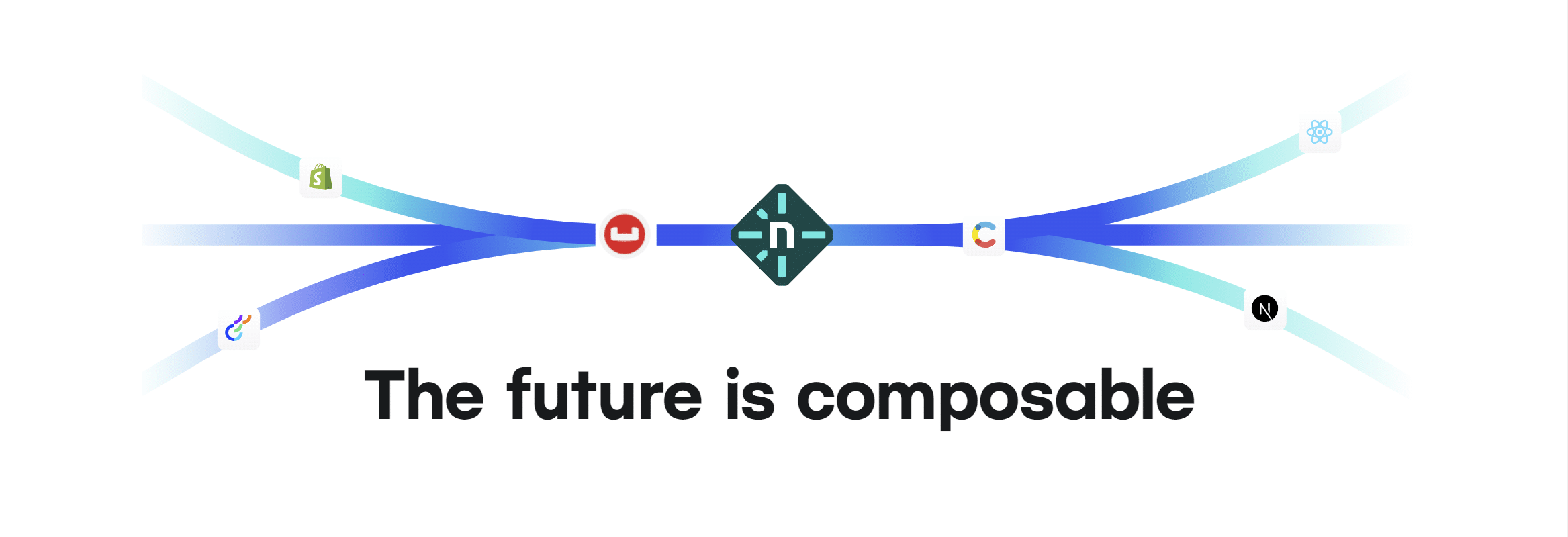
Great news for developers and web development teams: Netlify has recently introduced a new integration with 카우치베이스 카펠라, aimed at making web application development more efficient. This new integration brings together the popular cloud deployment platform of Netlify and the advanced cloud DBaaS solution of Couchbase Capella. By combining their strengths, Netlify and Capella can help developers build outstanding web applications. To help you get started, Couchbase has also created a quickstart developer tutorial.
New Integration
Netlify’s Couchbase Capella integration brings Netlify’s low-friction database connection management to Couchbase Capella.
With a standard approach of creating a “netlify.toml” and “.env” files, connecting to Capella from Netlify becomes as easy as:
|
1 2 3 4 5 6 7 8 9 10 11 12 13 14 |
상수 카우치베이스 = 요구하다(‘couchbase’) 요구하다(‘dotenv’).설정() 상수 ENDPOINT = 과정.환경.COUCHBASE_ENDPOINT 상수 USERNAME = 과정.환경.COUCHBASE_USERNAME 상수 PASSWORD = 과정.환경.COUCHBASE_PASSWORD 상수 couchbaseClientPromise = 카우치베이스.연결하다(‘couchbases://’ + ENDPOINT, { 사용자 이름: USERNAME, 비밀번호: PASSWORD, timeouts: { kvTimeout: 10000, // milliseconds }, }) |
Developers no longer have to manage their Capella credentials and connection strings manually.
Benefits of Netlify and Capella together
The integration between Couchbase Capella DBaaS and Netlify Functions opens up a world of possibilities for developers. One of the key advantages of this combination is the ease of scaling. With Couchbase Capella’s cloud-native architecture, teams can scale their databases to meet the demands of growing web applications with a Database-as-a-Service (DBaaS). Combined with Netlify’s auto-scaling capabilities, your application can handle high traffic with fewer downtime and performance issues. Whether you’re building a small-scale web app or a large enterprise solution, the Couchbase Capella and Netlify duo provides a solid foundation for your growing application.
Another reason why Couchbase Capella DBaaS and Netlify work well together is the deployment process. Netlify’s interface simplifies the deployment of web applications, allowing developers to manage and deploy their projects from a single dashboard. By integrating Couchbase Capella with Netlify, developers can deploy their application alongside the database service, improving the overall deployment workflow. This deployment combination process reduces the need for complex configurations and the potential for errors or compatibility issues.
Furthermore, developers can use Couchbase Capella’s SQL++ query language, which provides a familiar and powerful tool for querying data, making it easier to work with and manipulate data within the deployed application.
|
1 2 3 4 |
상수 클러스터 = await couchbaseClientPromise 상수 results = await 클러스터.질의( & ; ‘SELECT * from `travel-sample`.inventory.airline LIMIT 5’ ) |
With Couchbase Capella DBaaS and Netlify, developers can focus on building their applications without getting caught up in deployment and querying complexities, resulting in a smoother and more efficient development experience.
Get Started with Netlify and Capella
Getting started with Netlify and Couchbase Capella requires a few prerequisites.
First, you’ll need a Couchbase Capella account, which you can easily obtain by signing up for a free trial database account (no credit card or commitment required).

You’ll need a Netlify account, which you can create for free by signing in with your GitHub account.
You’ll also need to have the Netlify CLI, Node.js 16+, cURL or an API testing tool (like Postman).
To help you kickstart your journey, Couchbase provides a comprehensive Quickstart using Couchbase Capella and Netlify Serverless Functions tutorial. This will guide you through the entire process and get you up and running.

댓글 남기기
댓글을 달기 위해서는 로그인해야합니다.