
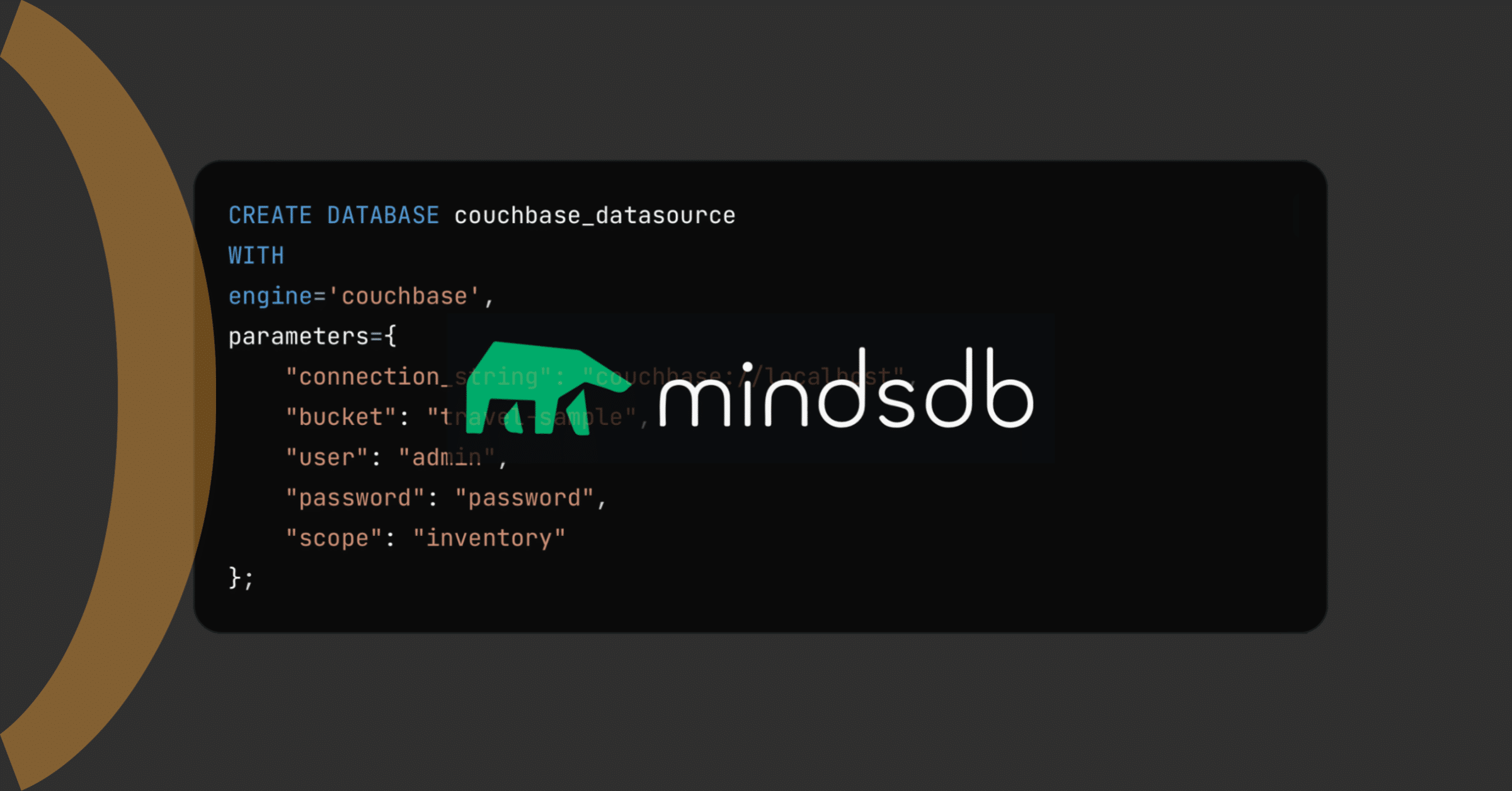
We’re thrilled to announce that 카우치베이스 is now supported as a vector store in MindsDB, bringing together the best of both worlds: MindsDB’s cutting-edge machine learning capabilities and Couchbase’s high-performance vector storage. With this new integration, users can seamlessly combine data and AI, unlocking powerful new possibilities for their applications.
MindsDB is an open-source tool that integrates various artificial intelligence (AI) models with databases or other data management systems, enabling easy creation and deployment of new AI-based solutions. With its intuitive interface and broad compatibility with popular data sources, MindsDB facilitates the implementation of advanced machine learning models without requiring deep technical knowledge
In the following sections, we’ll explore some details of this integration.
Setting up MindsDB with Couchbase
To get started with the MindsDB and Couchbase, you’ll need to follow a few simple steps
Installing MindsDB
Run the MindsDB Docker container. Execute the following command to create a Docker container for MindsDB:
docker run --name mindsdb_container -p 47334:47334 -p 47335:47335 mindsdb/mindsdb
Once the container is up and running, you can access the MindsDB editor by navigating to https://127.0.0.1:47334 in your web browser.
Alternative: Use MindsDB’s Docker Desktop extension to manage the container directly within Docker Desktop.
Installing Couchbase inside MindsDB
There are two ways to install the dependencies needed for Couchbase integration:
Method 1: Install via MindsDB Editor
- Open the MindsDB editor.
- Go to Settings and then Manage Integrations.
- Select the CouchbaseVector integration.
- 클릭 설치.
Method 2: Install via Command Line
- Start the MindsDB Docker container:
docker start mindsdb_container - Start an interactive shell in the container:
docker exec -it mindsdb_container sh - Install the Couchbase dependencies:
pip install .[couchbasevector] - Exit the interactive shell:
exit - Restart the container:
docker restart mindsdb_container
Now you will have Couchbase installed as a dependency in your MindsDB editor!
Before performing vector searches in Couchbase, ensure that you have a Full-Text Search (FTS) index configured for your vector embeddings. This is required to perform vector search.
Connecting to Couchbase and performing vector search
Now that MindsDB and Couchbase are integrated, you can connect Couchbase as a vector store and perform vector searches. Here’s how:
1. Establish a database connection
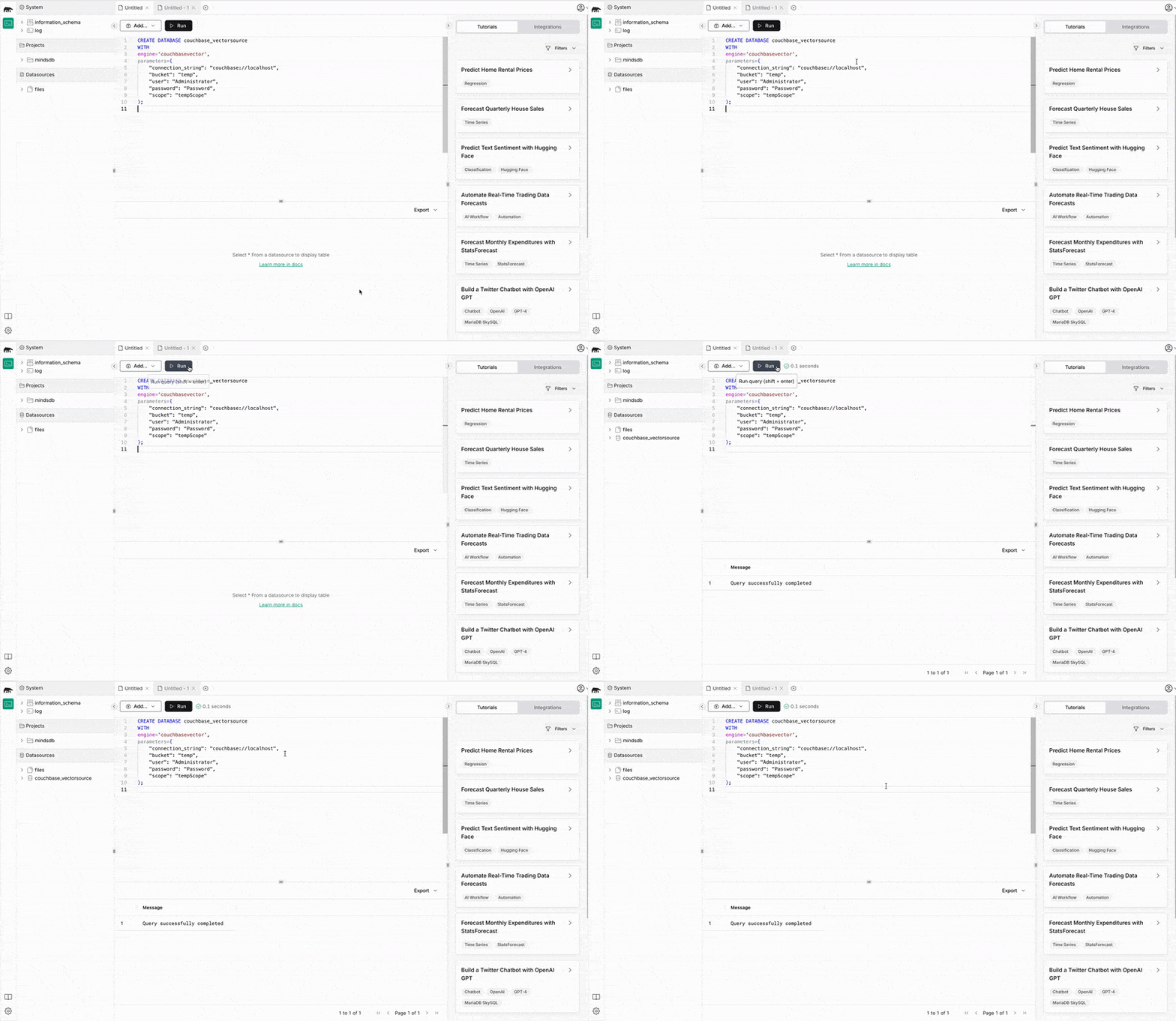
Use the following SQL-like syntax to create a connection to your Couchbase instance. The example below connects to the 여행 샘플 bucket (you can enable this bucket from the Couchbase UI).
|
1 2 3 4 5 6 7 8 9 10 |
생성하다 DATABASE couchbase_vectorsource 함께 engine=‘couchbasevector’, 매개변수={ “connection_string”: “couchbase://localhost”, “bucket”: “트래블 샘플”, “user”: “admin”, “비밀번호”: “비밀번호”, “scope”: “재고” }; |
2. Create a table in Couchbase
You can create a collection (or table) in Couchbase and populate it with data from another MindsDB data source. For instance, to store vector embeddings from a MySQL database:
|
1 2 3 4 |
생성하다 TABLE couchbase_vectorsource.test_embeddings ( 선택 임베딩 ~에서 mysql_datasource.test_임베딩 ); |
In this example, mysql_datasource refers to another MindsDB data source connected to a MySQL database. The test_embeddings table contains the embeddings you wish to store in Couchbase.
3. Performing vector search
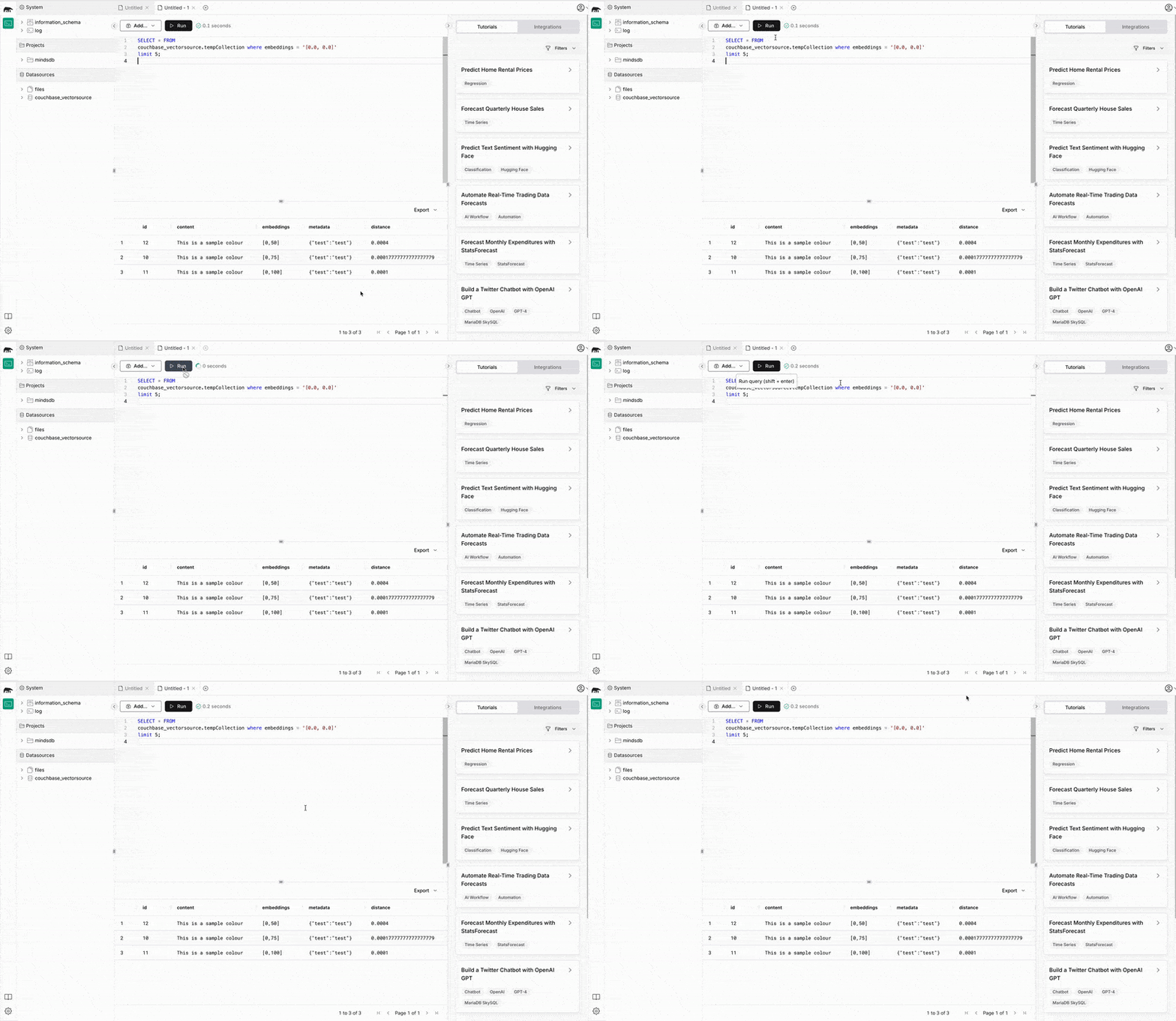
To perform a vector search, use a query like the one below.
|
1 2 3 4 5 6 7 |
SELECT * ~에서 couchbase_vectorsource.test_embeddings 어디 임베딩 = ( 선택 임베딩 ~에서 mysql_datasource.test_embeddings 한계 1 ); |
결론
This integration allows you to easily combine Couchbase’s high-performance vector storage with MindsDB’s machine learning capabilities, enabling the development of intelligent, scalable applications with minimal effort. Whether you’re building recommendation systems, semantic search, or other AI-driven solutions, this powerful combination provides the tools needed to succeed.
Next steps
More information is available in the MindsDB documentation, including an integration guide to 카우치베이스.
Happy coding!

댓글 남기기
댓글을 달기 위해서는 로그인해야합니다.