

Couchbase Analytics Developer Preview 4 brought the ability to manage Analytics nodes from the Couchbase Server administration console. With the release of Couchbase Server 5.5, we’ve unified the installation experience as well.
To illustrate the seamless installation, I’ll take you through the steps to install the Couchbase data platform including Analytics on my laptop.
First up, you need to 다운로드 the Couchbase Server 5.5 developer build from our website. The detailed instructions for setting up Couchbase data platform are available 여기.
Once you start the Couchbase Server application and navigate to https://localhost:8091 to connect to the admin console, you will be presented with the screen below.
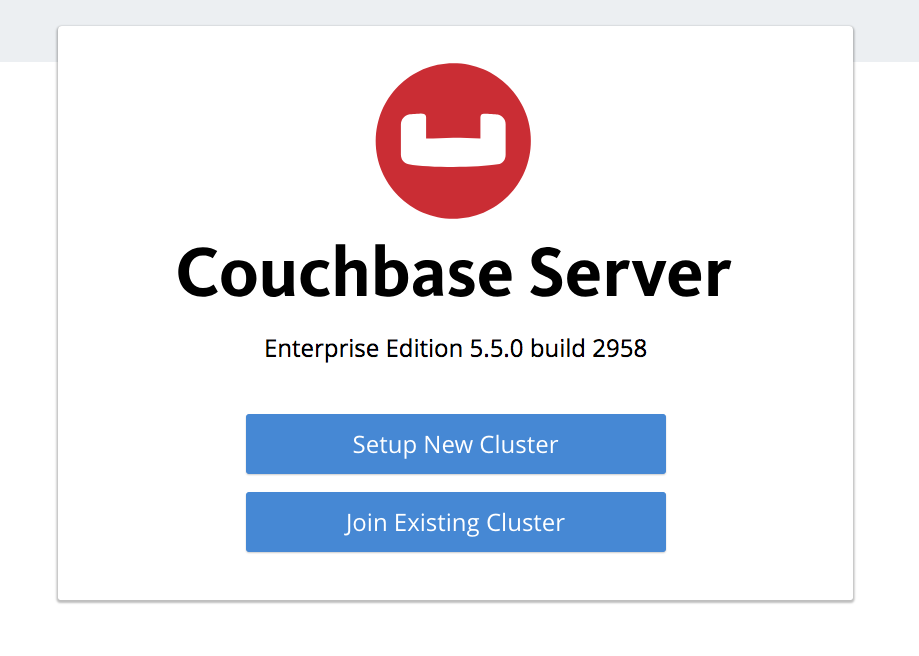
I’ll choose the option to setup a new cluster and navigate to the next screen to choose a name and an administrator password.

Upon creating a password, I click on the next button and click the checkbox to “accept terms”.
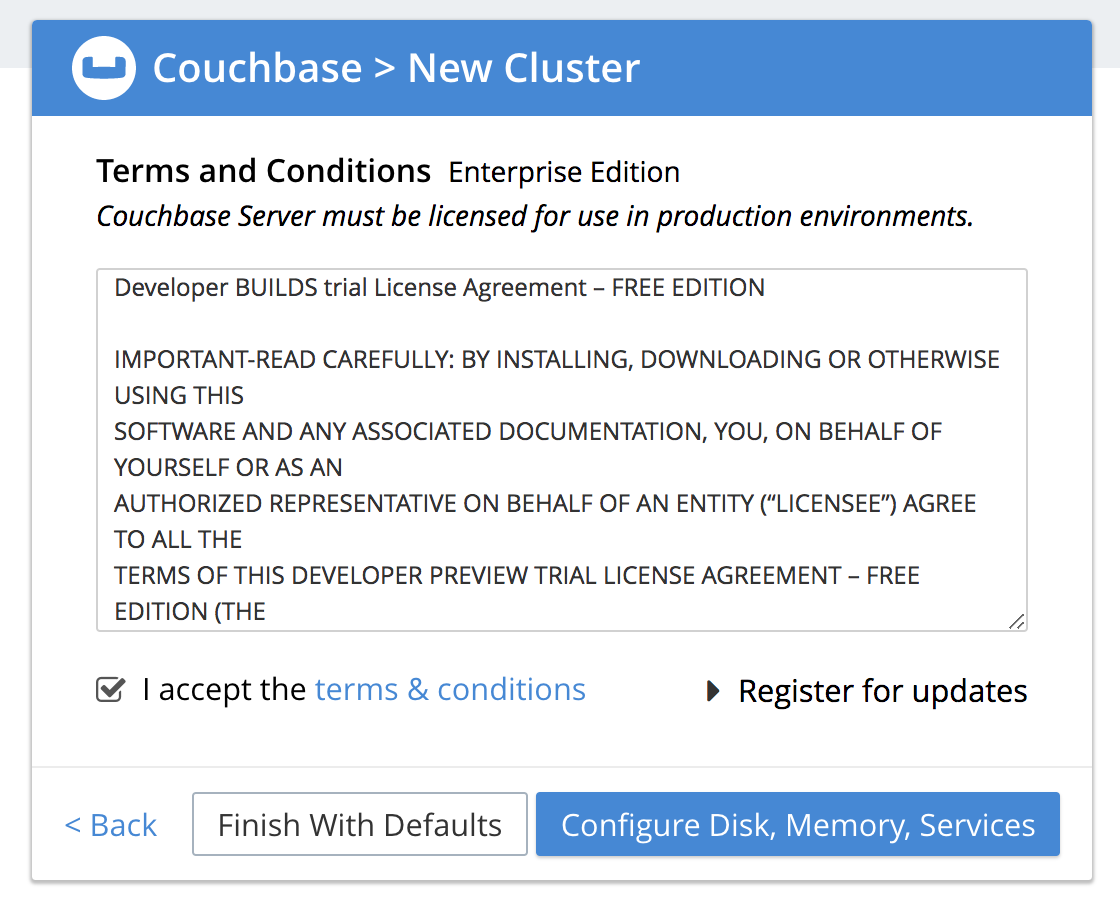
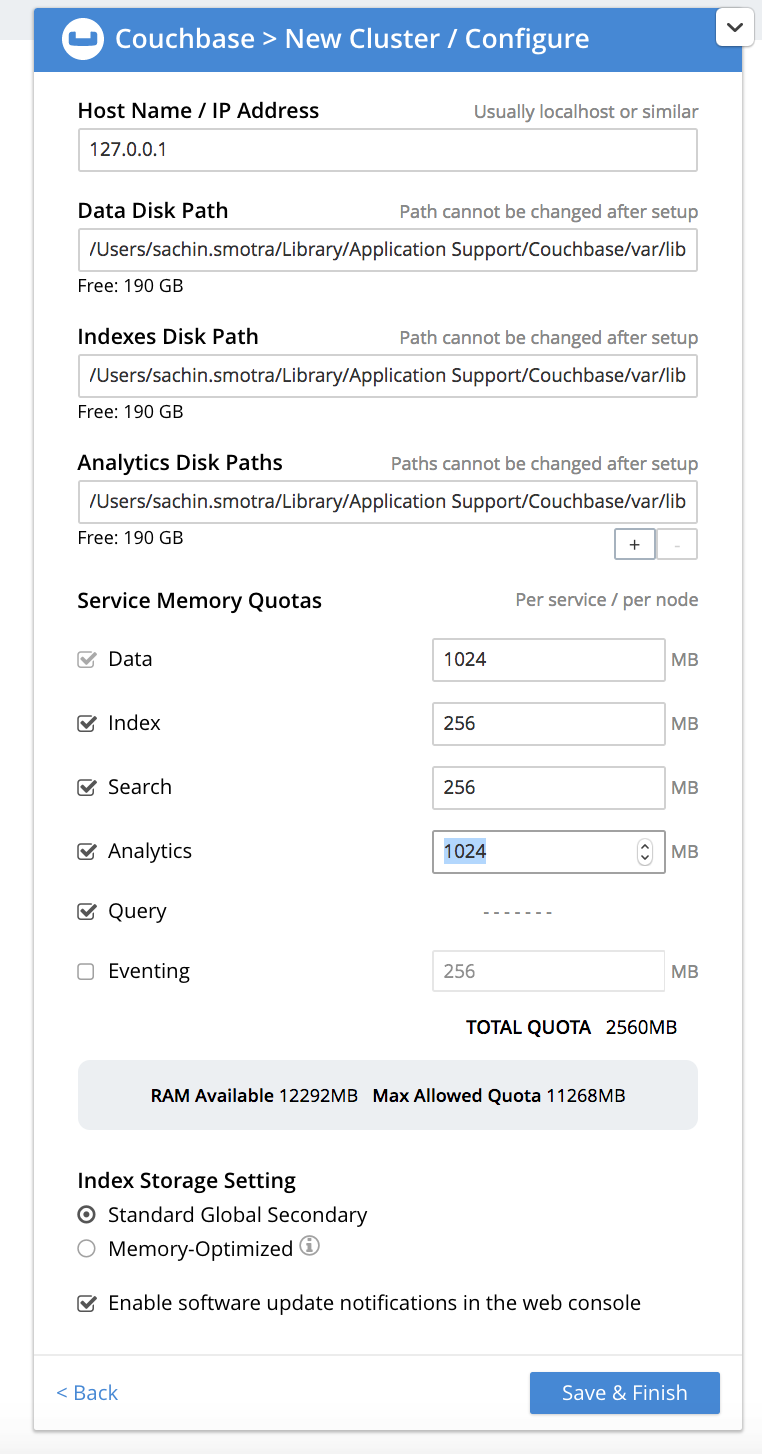
To install the Analytics service, choose the option to configure the services. You will need to select “Analytics” service and assign the memory quota for the service and press the save button.
You can then navigate to the “Dashboard” menu to see all the services running on your laptop.
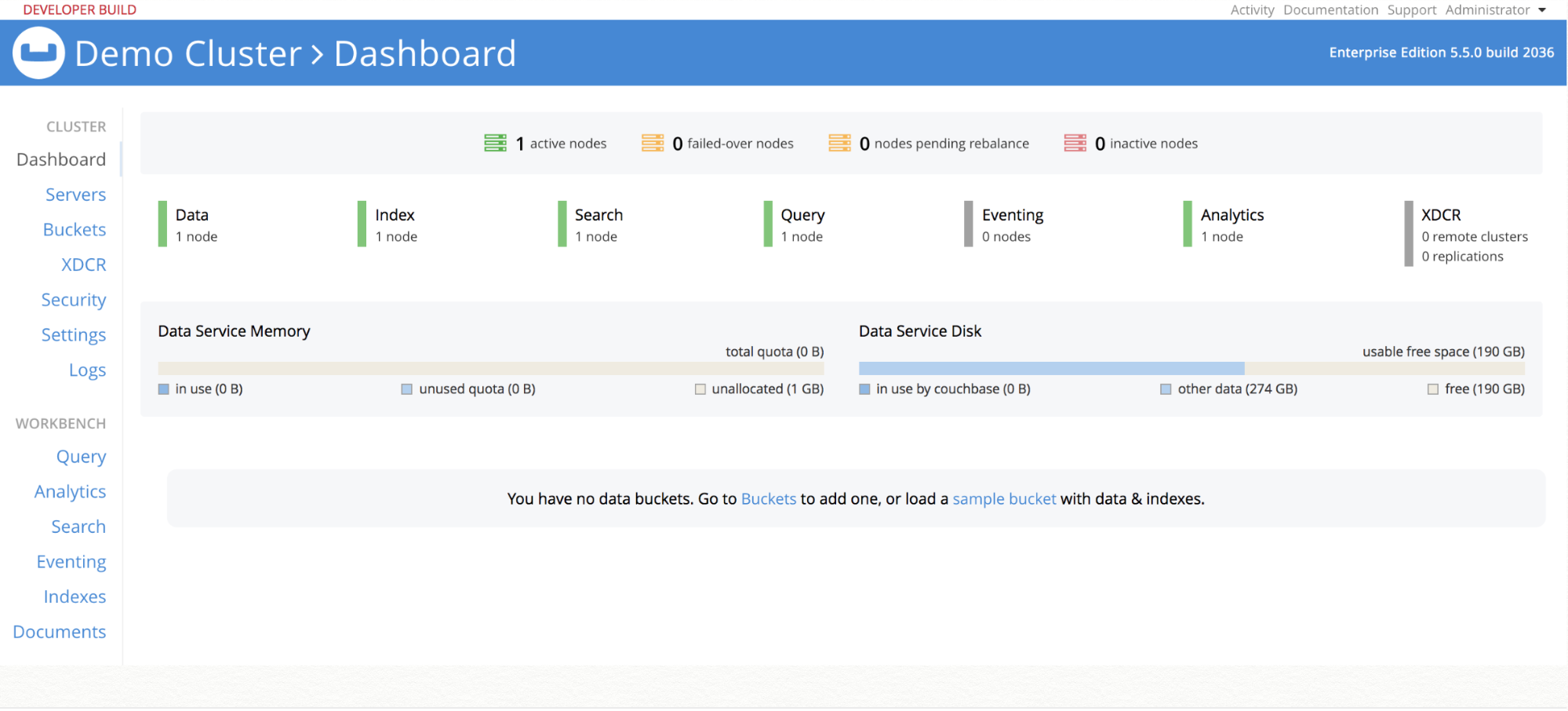
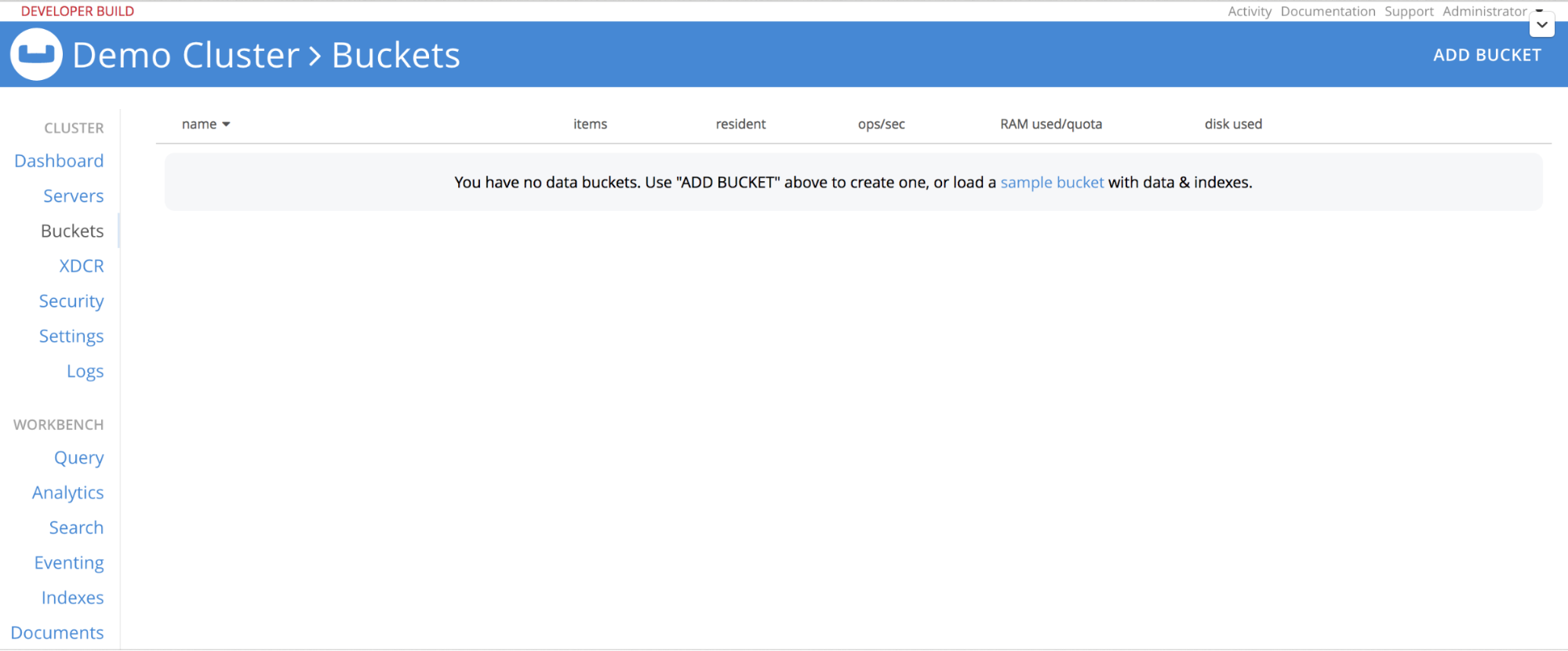
Since this is a brand new install, there will be no data in the cluster. You’ll need to add a new bucket and choose the “beer-sample” bucket shipped with the Couchbase data platform.
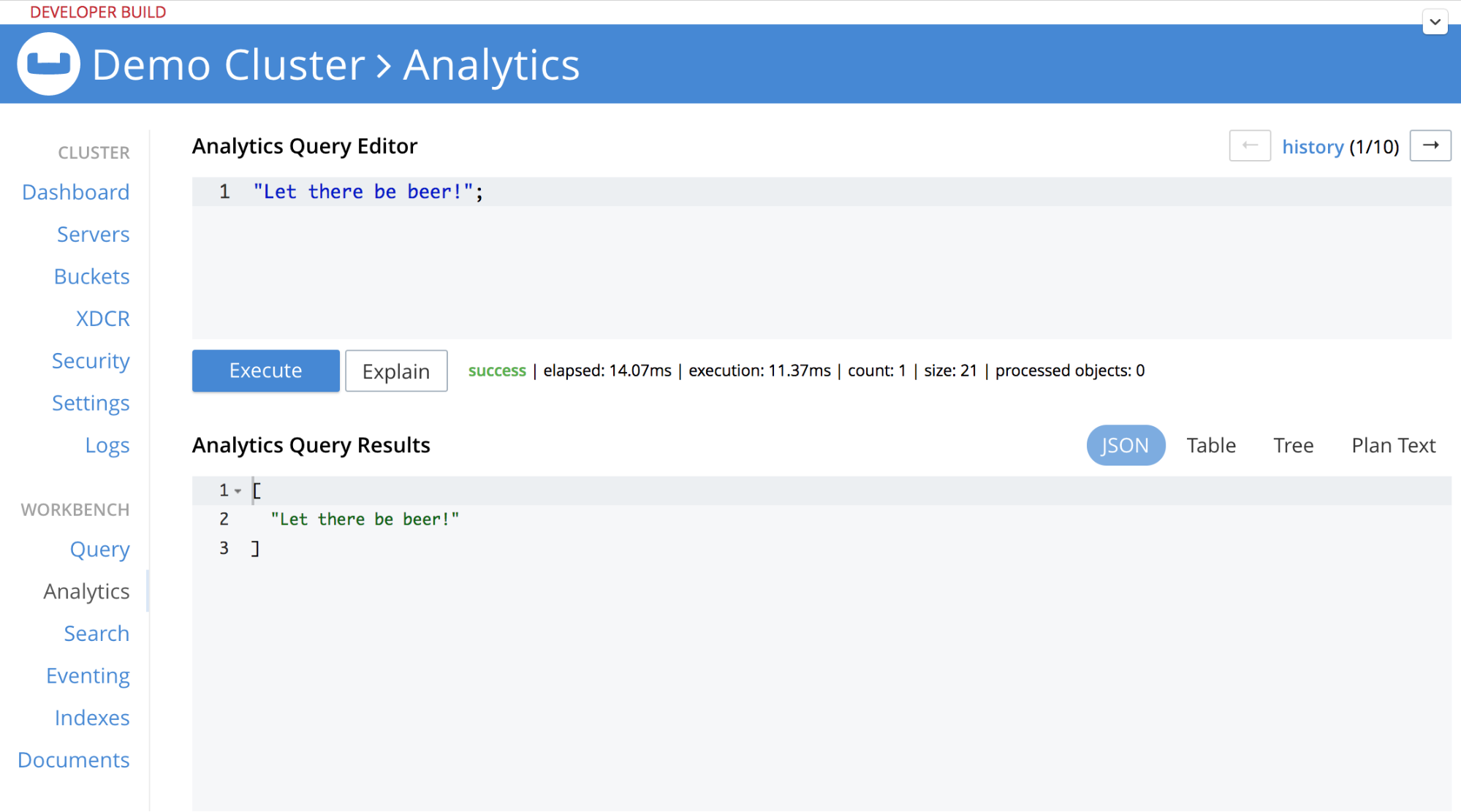
You can navigate to the Analytics workbench and verify everything is working by typing a simple query – “Let there be beer!”.
You are now ready to run through the Couchbase Analytics tutorial which introduces the key features in this release. Come engage with us on Couchbase 포럼 to provide feedback and ask questions.

댓글 남기기
댓글을 달기 위해서는 로그인해야합니다.