
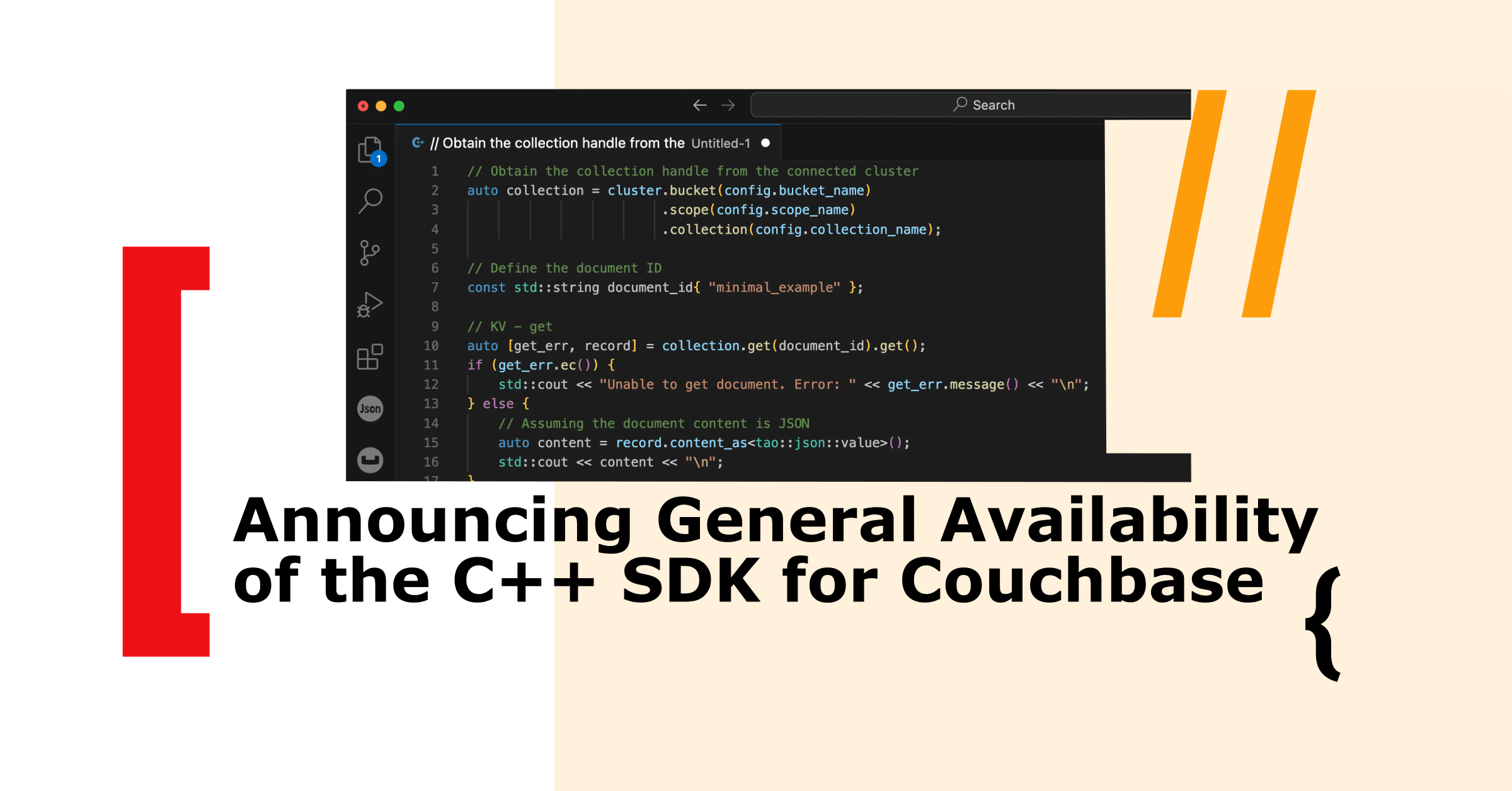
We are thrilled to announce the General Availability (GA) of the C++ SDK for Couchbase! This release adds support for native C++ language to our existing comprehensive set of SDK libraries in 11 programming languages and marks a significant milestone in our commitment to providing robust, high-performance tools for developers to build modern, scalable applications. In fact, this C++ SDK is the core library behind our existing 파이썬, NodeJS, 루비, 그리고 PHP SDKs and strives to provide a consistent, performant and efficient experience across all these programming languages.
Why C++ SDK?
C++ remains a vital language for many developers due to its performance, efficiency, and control over system resources. By introducing the C++ SDK, Couchbase empowers developers to leverage these advantages while taking full benefit of Couchbase’s advanced NoSQL capabilities. Here are some key reasons why this release is a game-changer:
성능
C++ is renowned for its speed and low-level memory management, making it ideal for applications where performance is critical. The C++ SDK for Couchbase ensures that you can build high-performance applications without sacrificing speed or efficiency.
Seamless Integration
The C++ SDK provides seamless integration with Couchbase Server, enabling developers to easily perform operations such as KV operations, SQL++ queries, and transactions. This tight integration ensures that your applications can scale effectively while maintaining high performance.
Modern API Design
The C++ SDK features a modern, idiomatic API that aligns with the latest C++ standards. This makes it not only powerful but also intuitive for C++ developers, reducing the learning curve and allowing you to start building applications quickly.
Key Features
Here are some of the standout features of the C++ SDK for Couchbase:
Easy Connection Management
The C++ SDK simplifies 연결 관리, allowing you to establish and manage connections to your Couchbase cluster with minimal effort. This includes handling connection pooling, load balancing, and failover, ensuring your application remains resilient and performant. This means that the SDK can automatically read the topology of your cluster and provide seamless connections during topology changes such as cluster resizes or cluster upgrades. Below is an example of C++ code to connect to your couchbase database.
|
1 2 3 4 5 6 7 8 9 10 11 12 13 14 15 |
// Attempt to connect to the Couchbase cluster auto [connect_err, 클러스터] = 카우치베이스::클러스터::연결하다(설정.connection_string, 옵션).얻다(); 만약 (connect_err) { // Output the error message if connection fails std::cout << “Unable to connect to the cluster. Error code: “ << connect_err.message() << “n”; } 그 외 { auto 컬렉션 = 클러스터.양동이(설정.bucket_name) .범위(설정.scope_name) .컬렉션(설정.collection_name); // d something interesting 클러스터.close().얻다(); } |
키-값(KV) 연산 지원
The C++ SDK natively supports performing key value operations. Key-value operations are unique to couchbase and provide very fast CRUD operations for documents stored in couchbase. Below is an example of C++ code to run a simple KV 얻다 & upsert of a document.
|
1 2 3 4 5 6 7 8 9 10 11 12 13 14 15 16 17 18 19 20 21 22 23 24 |
auto 컬렉션 = 클러스터.양동이(설정.bucket_name) .범위(설정.scope_name) .컬렉션(설정.collection_name); // KV- get auto record = 컬렉션.얻다(document_id); std::cout << record.content_as() << “n”; // create a new document 상수 std::문자열 document_id{ “minimal_example” }; 상수 tao::JSON::가치 basic_doc{ { “a”, 1.0 }, { “b”, 2.0 }, }; // KV auto [오류, resp] = 컬렉션.업서트(document_id, basic_doc, {}).얻다(); 만약 (오류.ec()) { std::cout << “ec: “ << 오류.message() << “, “; } 그 외 { std::cout << “id: “ << document_id << “, CAS: “ << resp.cas().가치() << “n”; } 클러스터.close().얻다(); |
Rich Query, Search and Vector Search Support
The C++ SDK supports SQL++ queries, full-text search (FTS), and 벡터 검색, providing you with powerful tools to perform complex data operations. Whether you need to run sophisticated queries or perform full-text searches, the SDK has you covered.
Query Search
Below is a code snippet to execute a simple SQL++ query to fetch records from airlines collection:
|
1 2 3 4 5 6 |
auto 범위 = 클러스터.양동이(설정.bucket_name).범위(설정.scope_name); auto [오류, resp] = 범위.질의(“SELECT * FROM airline LIMIT 10”).얻다(); std::cout << “— Iterating as JSON objects:n”; ~를 위해 (auto 열 : resp.rows_as_json()) { std::cout << “Airline(id: “ << 열[“항공사”][“id”] << “, name: “” << row[“항공사“][“이름“] << ““)n”; } |
Full Text Search (FTS)
Below is a code snippet to execute a FTS query to do a full text search for “nice restaurants” the index created on the landmark collection:
|
1 2 3 4 5 6 7 8 9 10 |
auto 범위 = 클러스터.양동이(설정.bucket_name).범위(설정.scope_name); auto [오류, resp] = 범위 .검색(“travel-inventory-landmarks”, 카우치베이스::search_request(카우치베이스::query_string_query(“nice restaurants”)), 카우치베이스::search_options{}.fields({ “content” })) .얻다(); ~를 위해 (상수 auto& 열 : resp.rows()) { auto fields = 열.fields_as<카우치베이스::codec::tao_json_serializer<(); std::cout << “score: “ << 열.score() << “, id: “” << row.id() << ““, content: “” << fields[“콘텐츠“].get_string() << ““n”; } |
벡터 검색
Below is a code snippet to execute a 벡터 검색 query:
|
1 2 3 4 5 6 7 8 9 10 11 12 13 14 |
auto 범위 = 클러스터.양동이(설정.bucket_name).범위(설정.scope_name); // weights could be retrieved from your llm model or openAI std::벡터<더블< weights{ 0.1, 0.2, 0.3, 0.4 }; auto [오류, resp] = 범위 .검색(“travel-inventory-landmarks”, 카우치베이스::search_request(카우치베이스::vector_search( 카우치베이스::vector_query(field_name, weights)))) .얻다(); ~를 위해 (상수 auto& 열 : resp.rows()) { auto fields = 열.fields_as<카우치베이스::codec::tao_json_serializer<(); std::cout << “score: “ << 열.score() << “, id: “” << row.id() << ““, content: “” << fields[“콘텐츠“].get_string() << ““n”; } |
Asynchronous Programming
The SDK supports asynchronous programming models, enabling you to build responsive, non-blocking applications. This is particularly useful for high-throughput applications where maintaining responsiveness is essential. Here’s an example of running a transaction in a asynchronous context:
|
1 2 3 4 5 6 |
std::shared_ptr<async_attempt_context< ctx) -> 카우치베이스::오류 { ctx->얻다( 컬렉션, some_id, // do something in this transaction } |
거래
This new C++ SDK includes support for 거래 and replaces our existing C++ transaction support by adding more performance improvements and features. Below is a sample code snippet for create a transaction context:
|
1 2 3 4 |
std::shared_ptr<카우치베이스::거래::attempt_context< ctx) -> 카우치베이스::오류 { ctx.삽입하다(컬렉션, “doc-a”, nlohmann::JSON({})); 카우치베이스::거래::transaction_get_result doc_a = ctx->얻다( 컬렉션, “의사–a”) } |
Robust Error Handling
Error handling is crucial in any application, and the C++ SDK, just like our other SDKs, provides comprehensive error handling capabilities including retry for connection drops, connection pooling and informative error messages. This ensures that you can gracefully handle and recover from errors, enhancing the stability and reliability of your applications.
Getting Started
To help you get started with the C++ SDK for Couchbase, we’ve prepared a detailed getting started guide on our documentation website. Here’s a quick overview of how to begin:
- Install the SDK: Follow the installation instructions in the documentation<hyperlink> to set up the SDK in your development environment.
- Connect to Your Cluster: Connect to your Couchbase cluster.
- Perform CRUD operations, run queries, and leveraging Couchbase’s powerful features.
Community and Support
We believe in the power of community and open-source development. The C++ SDK for Couchbase is open-source, and we encourage you to contribute, provide feedback, and join the conversation. For support, if you are our enterprise licensed customer, you can reach out via support, otherwise, you can access our comprehensive 문서화, join the 카우치베이스 포럼 또는 Couchbase Discord, or reach out via our support portal.
Further Reading
To learn more, check out our documentation website. It goes into more detail on the API, especially around transactions and asynchronous operations and provides other reference material and sample bindings links for you to dig deeper:
- Couchbase C++ SDK code examples
- Couchbase C++ SDK documentation
- Download and install Couchbase C++ SDK
Supported operating systems are listed on our documentation website.
Happy coding!
카우치베이스 팀

댓글 남기기
댓글을 달기 위해서는 로그인해야합니다.